Udacity VR
A mobile VR app for Udacity's VR Nanodegree
I designed and developed a mobile VR application for Udacity’s VR Developer Nanodegree. The application serves both iOS and Android users, introducing them to the environments they’ll create in the Nanodegree program. I was responsible for design and development through publication.
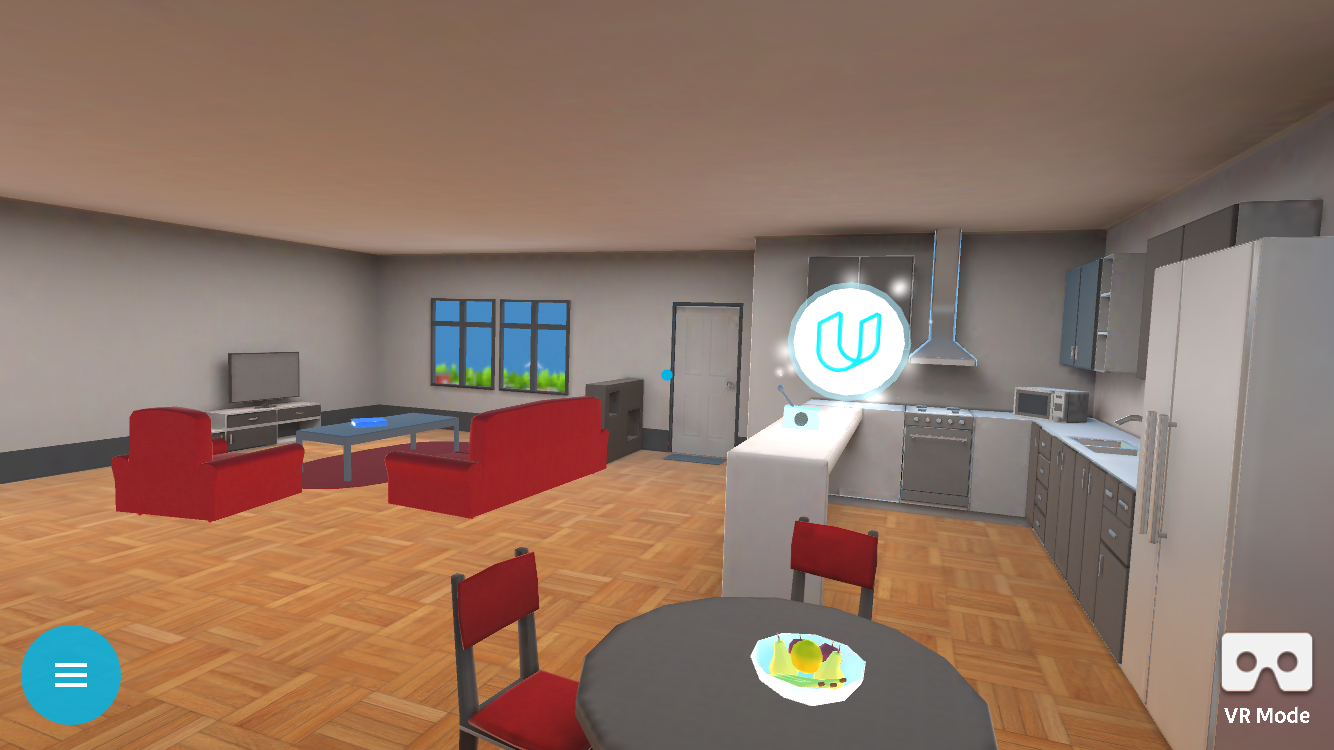
Demo Video and Design Deconstruction
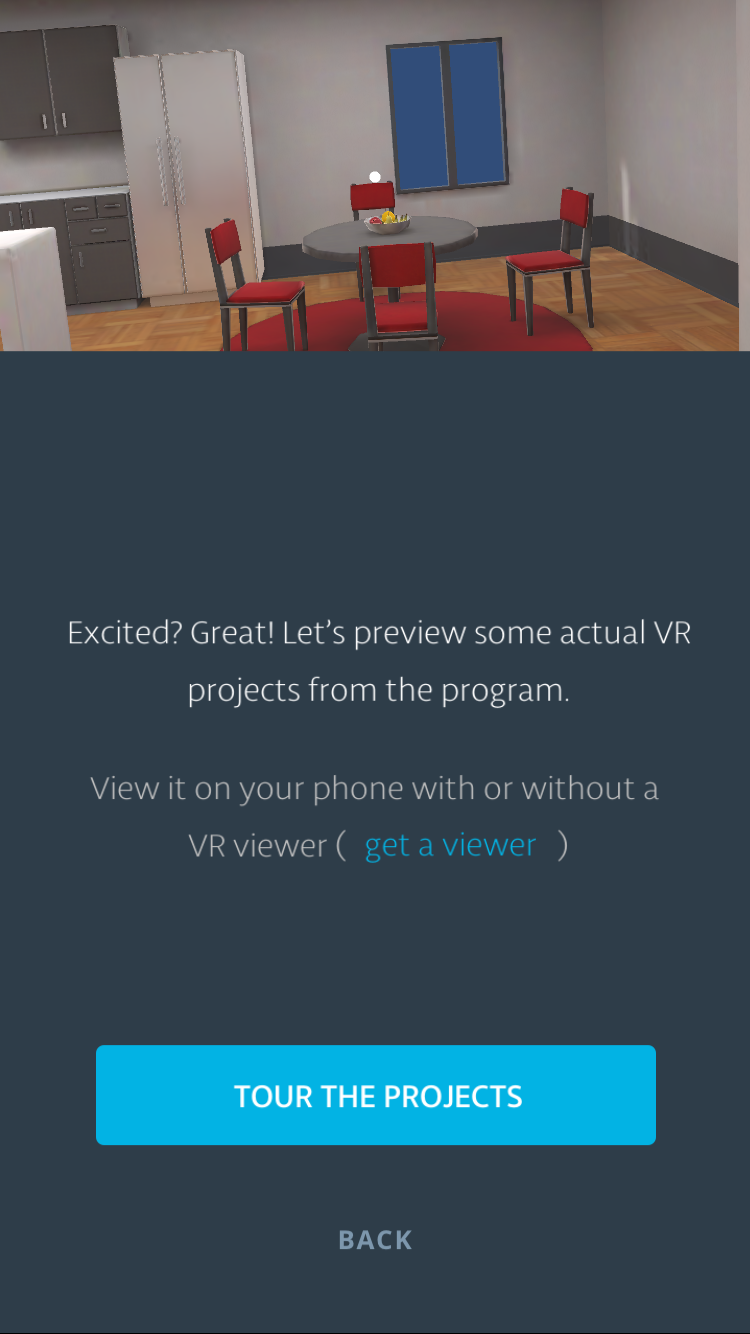
Creating a VR application when not everyone has a VR headset.
The application serves two distinct user groups: Udacity students who have a Google Cardboard viewer, and potential customers who may not own a headset at all. This meant the app follows two parallel, but separate flows - one optimized for stereoscopic VR, and one that works entirely in monoscopic mode on the phone screen.
Photospheres for hinting.
Photospheres serve as a gentle introduction to device interaction for VR newcomers. By placing users inside a 360-degree photo environment, they naturally discover that moving their phone changes their view - building the foundational mental model needed for the full VR experience.
A very first time experience.
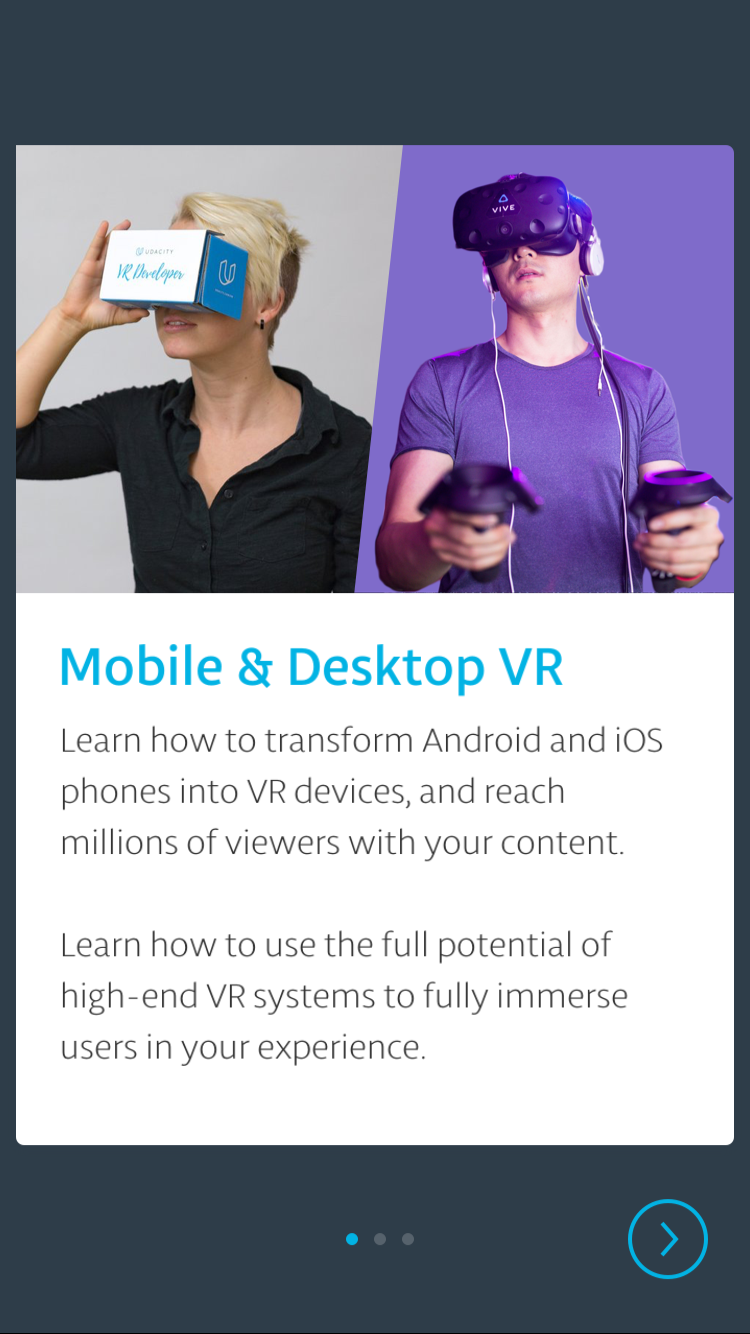
The app uses a card-based introductory flow that guides users through landscape orientation, explains what they’re about to experience, and offers the option to order a Google Cardboard viewer. This onboarding sequence was designed to feel welcoming rather than technical, easing people into a medium they may have never encountered.
Default to mono.
The app defaults to monoscopic mode - a deliberate choice to ensure the experience is accessible to the widest possible audience. Users without a headset can still explore VR environments by simply moving their phone around. Those with a Google Cardboard can switch to stereoscopic mode when ready. This removes the barrier of needing specialized hardware just to get a taste of VR.